Get pzip for
Android.
Signed APKs straight from our public GitHub releases. No store account, no mirror sites, no sign-up.
pzip 1.0.0
Checking GitHub…Fetching the latest release details from GitHub.
Pick your build
Smaller APKs are tuned for one processor type. Not sure? Choose arm64-v8a — or the universal APK, which works everywhere.
Install in about a minute.
Four quick steps.
Download
Tap the download button above. Your browser saves the APK to Downloads.
Allow the install
Open the APK. Android may ask you to allow installs from your browser — allow it once.
Install pzip
Tap Install. Android checks the signature and adds pzip to your apps.
Grant file access
Open pzip and allow “All files access” so it can manage your storage.
Check the SHA-256.
Every release includes SHA256SUMS.txt. Compare it with the hash of the file you downloaded — they should match exactly. On your phone, pzip’s own Tools → Checksums can do this too.
Only trust official links. pzip is published only at github.com/viroaryan/pzip-releases. Copies from other sites may be modified.
“App not installed” over a test build? Earlier test builds used a different signing key. Move anything out of the Safe folder first, uninstall the test build, then install this release. Uninstalling removes app-private data.
Updating later? Install the new APK over the old one — your settings, Safe folder and Trash stay in place.
Good questions, straight answers.
Still curious? The guide walks through every feature step by step.
Read the full guideWhat exactly is pzip?
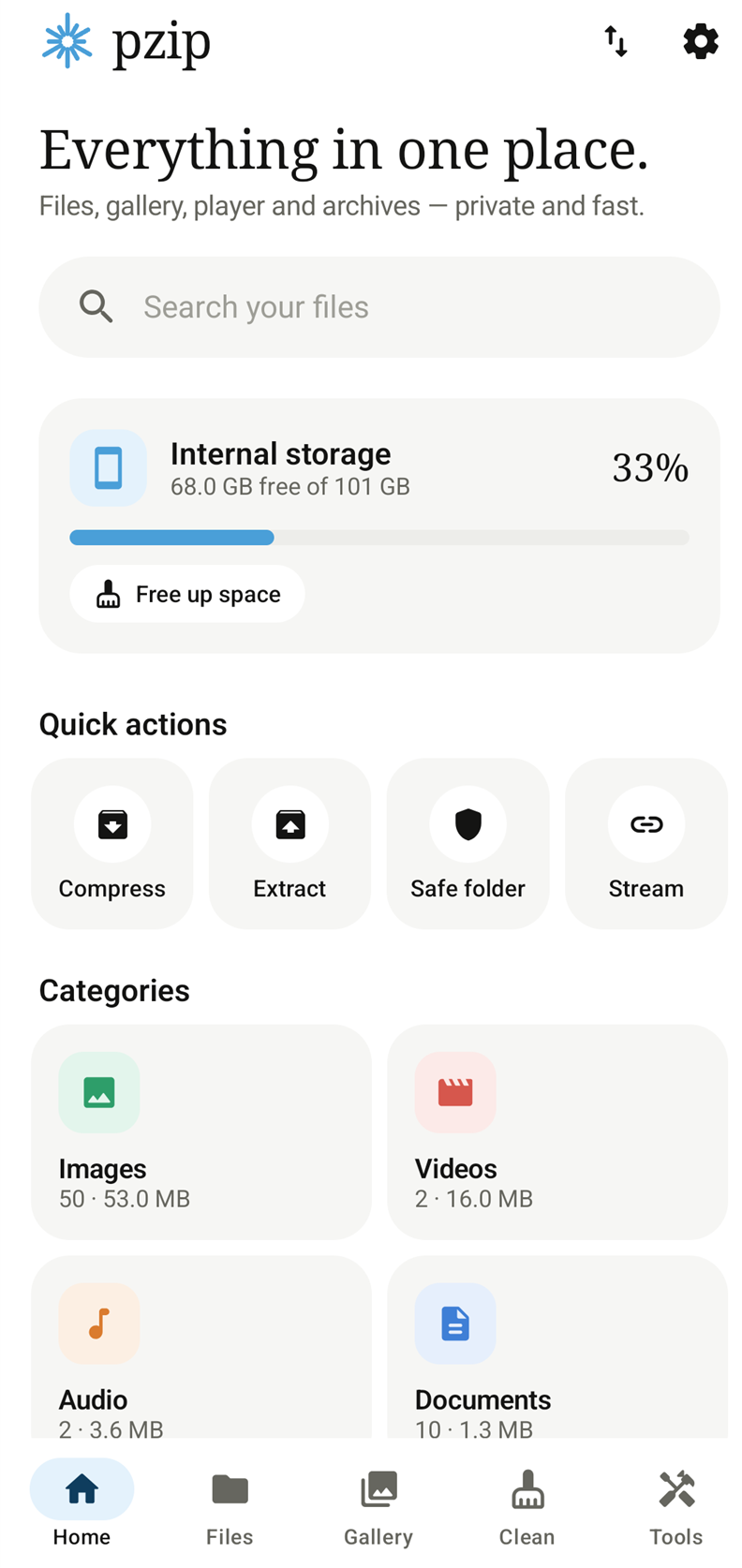
pzip is one Android app that combines a file manager, an archiver (ZIP, RAR, 7z, TAR and more), a libVLC-powered video and music player, a photo gallery, document viewers, a storage cleaner and privacy tools like an encrypted Safe folder. It is free, open source and has no ads.
Is it really free? What’s the catch?
There is no catch. No ads, no in-app purchases, no account and no analytics. The app’s source code is public on GitHub under the MIT license.
Which APK should I download?
Most phones made in the last several years use arm64-v8a — that is the smallest, fastest choice. Older 32-bit phones need armeabi-v7a; emulators and some Chromebooks use x86_64. If you are unsure, the universal APK works everywhere, it is just larger.
Can pzip create RAR files?
No. pzip opens and extracts RAR (including RAR5, encrypted and multi-volume sets) using the official UnRAR engine, whose license does not allow creating RAR archives. To make an archive, use ZIP with AES-256 or 7Z.
Why does pzip need “All files access”?
A file manager, cleaner and archiver have to read and write files across your storage, not only in one folder. Everything happens on your device; pzip does not upload your files.
Does scanning or cleaning delete my files?
A scan only lists what it finds. Nothing is deleted until you select items and confirm. With Trash on (the default), deleted items can be restored for 30 days.
Does pzip work offline?
Yes. Files, archives, the gallery, local playback and cleaning all work offline. Internet is used only when you open a network stream. The website checks GitHub for the latest release.
What Android version do I need?
Android 8.0 (Oreo) or newer. Fingerprint unlock needs Android 9 or newer.